 Business License

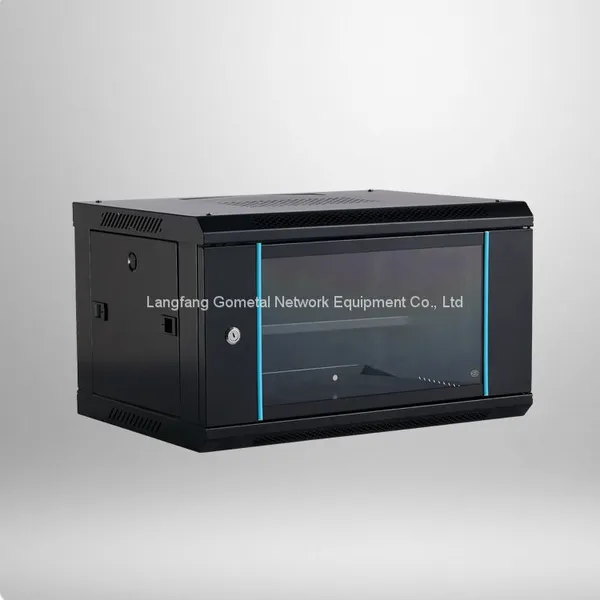
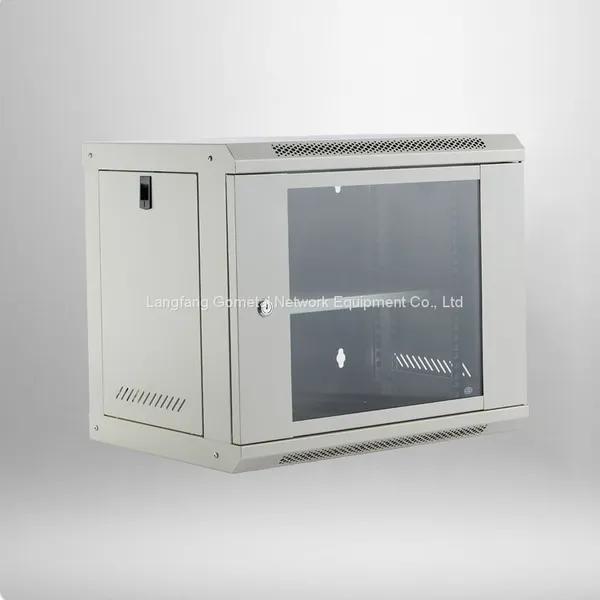
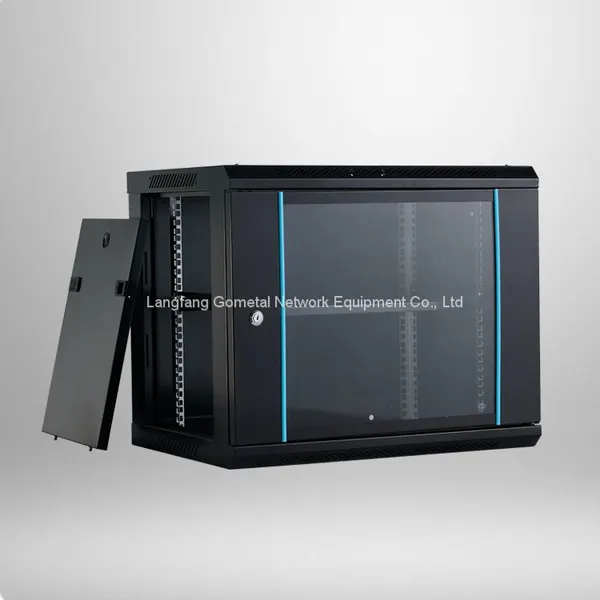
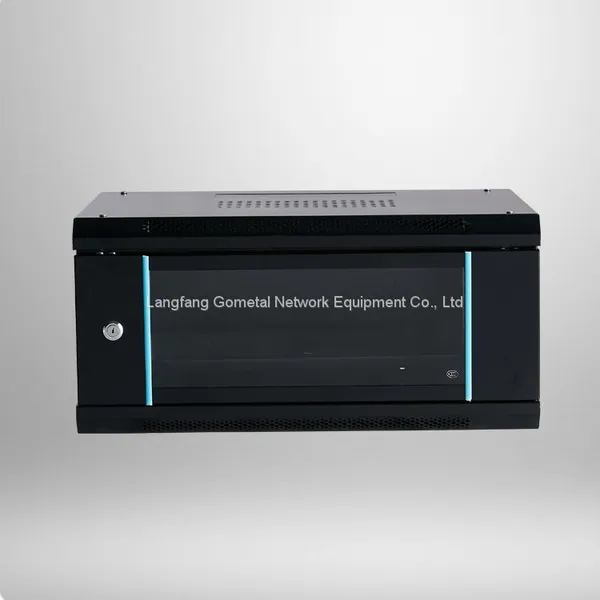
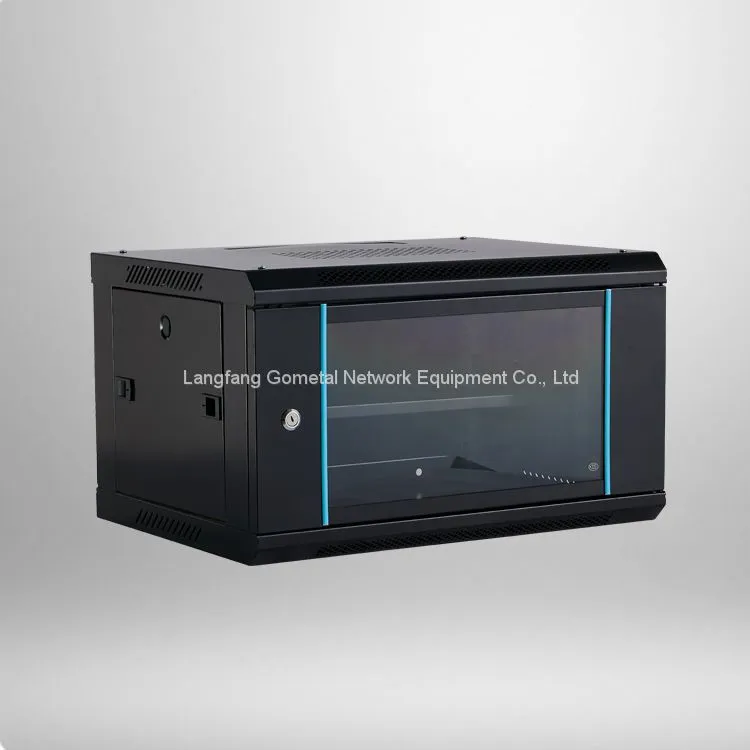
Guide to improving heat dissipation for 6U wall mount network cabinets
The single biggest mistake I see is filling the unit front to back with no thought to airflow. Most wall-mounted cabinets pull cool air in the front and push hot air out the back or top. If you stuff patch cables and power bricks into the front and block the vents, you are basically building a small oven.
Here are the ground rules that cost you nothing:
Keep at least 1U of free space between active devices when possible.
Route cables to the sides, not across the front vents.
Leave the top vent area clear. Do not stack boxes or manuals on it.
Give the cabinet at least 100 mm of clearance from the wall behind it.
One quick mental check: if you can place your hand on the front intake and feel air moving, you are in decent shape. If the air feels dead, fix the blocking before you spend a single dollar on fans.
Manage the Load: You Cannot Cool What Is Overloaded
Here is a point that rarely gets enough attention: a 6U cabinet is not a license to cram unlimited devices. Every active switch, router, and power supply generates heat, and all of that heat has to leave through the same small opening.
As a rough rule, aim to run the cabinet at no more than 60–70% of its usable space. That leaves room for airflow and makes future maintenance much easier. Also, remove gear you are not using. A powered-on but unused switch still draws power and produces heat — it just sits there, warm, doing nothing.
Watch the Little Things That Sneak Heat In
A few small items often undo all your good work without you noticing:
Power bricks left inside the cabinet. They run hot all day. Move them outside if you can.
Patch cable bundles that block the rear exhaust.
Direct sunlight or a cabinet right next to a heater vent. Relocate if possible.
A closed door on a small network closet with no ventilation. Even a passive wall vent helps.
Monitor and Set a Routine
Cooling is not a one-time fix. It is a habit. Once you have airflow and a fan in place, make temperature checks part of your monthly routine. If your equipment supports SNMP, most managed switches can log their own temperature, and a simple script or dashboard can alert you when a threshold is crossed.
Keep it simple: same day every month, same time, read the temperature, note it in a small log. If the number creeps up over several months, something is clogging — likely dust. Compressed air once a quarter does wonders.
How Do I Know This Actually Helps?
I want to give you a concrete picture instead of vague advice. On a typical office 6U setup with one switch, one router, and a patch panel, the difference between “blocked and crowded” and “cleared with one exhaust fan” is usually 6–10 °C. That is not a dramatic headline, but it is the difference between a switch that runs at the edge of its rating and one that runs comfortably in the middle. Over a few years, that margin is exactly what keeps a network boringly reliable.
None of this is exotic. It is the same reasoning a data center uses, just scaled down to one small cabinet on a wall. Plan the airflow, keep the load reasonable, add a modest fan if you need it, and check it once a month. Do that, and your Wall mount 6u network cabinet will run cooler, quieter, and longer — and you will spend a lot less time explaining to your team why the network went down.
If you are still unsure where to start, begin with the cheapest step: free up the vents and add clearance behind the unit. Measure for a week. Most people find they need nothing else. For the rest, a single 80–120 mm fan is a small, reversible upgrade that pays for itself the first time it prevents a dropped call or a lost afternoon.
Frequently Asked Questions
Q1: How hot is too hot for a Wall mount 6u network cabinet?
Most networking hardware operates safely below 45 °C ambient. If the inside of the cabinet sits above 50 °C for sustained periods, you risk port drops and shortened component life. Above 55 °C, stop adding load and add cooling right away.
Q2: Do I always need a fan inside my Wall mount 6u network cabinet?
Not always. For a lightly loaded unit with good clearance and open vents, passive airflow is often enough. Add a fan only when measured temperature stays in the warning zone under normal load.
Q3: Should the fan push air in or pull it out?
Generally, pull hot air out from the top or rear of the cabinet. This creates negative pressure that draws cooler air in through the front, matching how most devices are designed to intake.
Q4: Can I mount more equipment in a 6U than the U-count allows?
Physically yes, but it is a bad idea. Overloading generates heat that the small enclosure cannot move, and it makes maintenance harder. Aim to use no more than 60–70% of usable space.
Q5: How often should I check the temperature?
Once a month is plenty for a stable office network. If you see a steady rise over several months, clean the dust and re-check clearances before buying more cooling.
Recently Posted
-
What aspects need evaluation before you buy a meeting room TV stand cart?
October 28, 2026A cart that is not stable is not a cart; it is a hazard. This is the first thing I check, because everything else is secondary if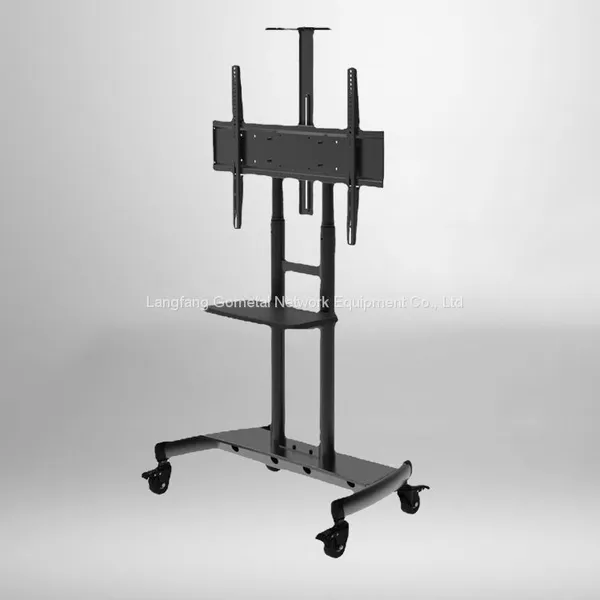 Read More
 -
What to check before installing a TV bracket on drywall?
October 21, 2026So you finally want to get that television off the coffee table and up on the wall. Great idea — until you remember the wall is ju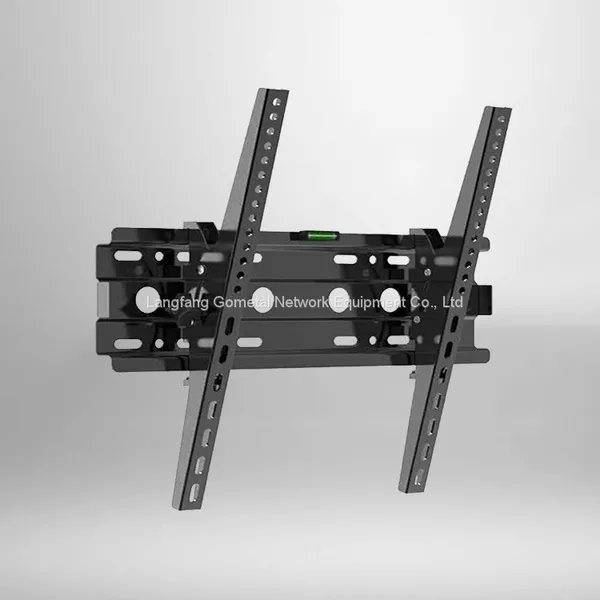 Read More
 -
How much weight can a standard standing network rack safely hold?
October 21, 2026You just mounted your switches, patch panels, and that heavy UPS, and now the thought keeps nagging you: is this rack going to hol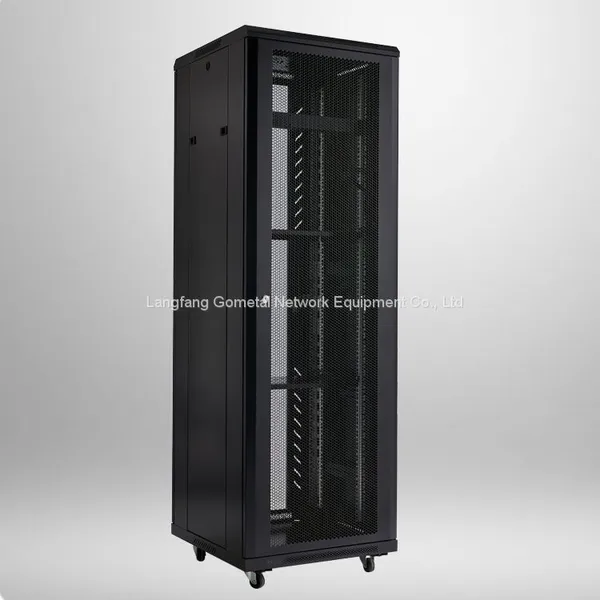 Read More
 -
How to Select a Dependable TV Bracket for Large Screen Mounting
September 17, 2026Large-screen televisions have become the mainstream choice for home theaters, living rooms, and even commercial display spaces. Co
Read More

Contact Us
Recommended Products
-
 Sliding Cabinet With Glass Door 9uUS$ 1500 - 3500MOQ: 10 Pieces
 -
6u Wall Mount Equipment RackUS$ 1500 - 3000MOQ: 10 Pieces
-
6u Wall Mount Equipment RackUS$ 1500 - 3000MOQ: 10 Pieces
-
Double Section Wall Mounted CabinetUS$ 1500 - 3500MOQ: 10 Pieces
-
Network Server Cabinet 22uUS$ 1500 - 3500MOQ: 10 Pieces
-
Fixed TV Wall Mount BracketUS$ 10 - 20MOQ: 100 Pieces
-
19inch 15uTB Standard Mounted Enclosure Cabinet RackUS$ 1500 - 3500MOQ: 10 Pieces
-
Swivel Tv Wall Mount BracketUS$ 10 - 20MOQ: 100 Pieces
-
Tv Stand CartUS$ 10 - 20MOQ: 100 Pieces
-
36U Floor Standing Equipment RackUS$ 1500 - 3500MOQ: 10 Pieces
-
Wall Mount Network Cabinet 12uTBUS$ 1500 - 3500MOQ: 10 Pieces
-
SPCC Cold Rolled Steel Network Cabinet 9uTBUS$ 1500 - 3500MOQ: 10 Pieces
-
19inch Floor Standing Equipment Rack 22uUS$ 1500 - 3500MOQ: 10 Pieces
-
19inch Floor Standing Network Rack 42uUS$ 1500 - 3500MOQ: 10 Pieces
-
Wall Mount 6uTB Network CabinetUS$ 1500 - 3500MOQ: 10 Pieces